How to Connect Organic Search to Revenue in HubSpot
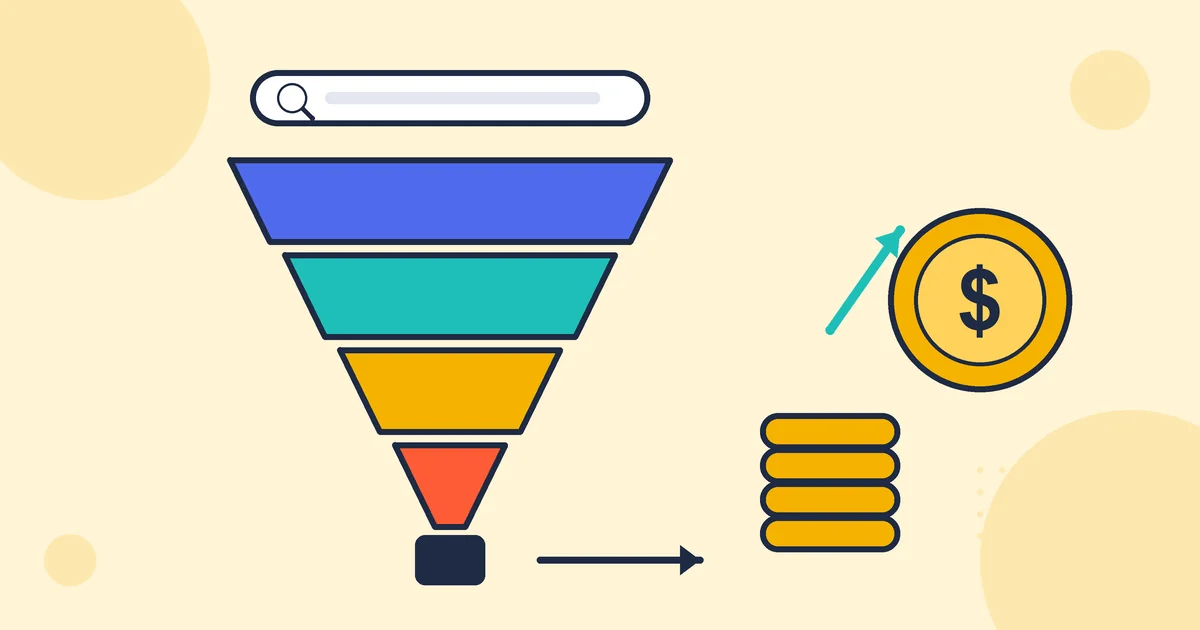
To connect organic search to revenue in HubSpot, track which contacts first arrived from organic search or AI assistants, follow those contacts through to deals, and report on the closed revenue they produce. HubSpot records the information you need automatically. The work is in setting up the right reports and keeping your data clean enough to trust them.
This matters because SEO is often judged on rankings and traffic, which are easy to measure but hard to value. Leadership wants to know whether search is producing customers. Here is how we answer that question for clients.
Step 1: Understand what HubSpot already records
When someone visits your site and later converts on a HubSpot form, HubSpot connects their earlier visits to the new contact record. Two properties matter most:
- Original Traffic Source: how the contact first found you, such as Organic Search, Referrals, Paid Search, or Direct Traffic.
- Latest Traffic Source: how they arrived most recently.
Each has drill-down properties with more detail, such as the search engine or referring domain. Search engines rarely pass the actual keyword, so expect to see the engine rather than the search term.
AI assistants usually show up as referrals from domains such as chatgpt.com or perplexity.ai rather than as organic search. If AI visibility is part of your strategy, track it alongside organic search; we explain how in Tracking Traffic from ChatGPT and Other AI Assistants in HubSpot.
Step 2: Make sure the tracking is sound
Reports are only as good as the data underneath. Before building anything, check:
- The HubSpot tracking code is on every page, including pages not hosted on HubSpot.
- Forms are HubSpot forms, or non-HubSpot forms are captured, so conversions are tied to the visitor’s history.
- Your own team’s traffic is excluded by IP address or domain, so internal visits don’t inflate the numbers.
- Contacts are associated with deals. If sales creates deals without linking the contacts, the trail from source to revenue breaks. This is the most common gap we find.
Step 3: See which pages generate contacts
Start with the pages that convert. In HubSpot’s analytics, look at your landing pages and blog posts by new contacts created, not just views. Then filter to organic search as the source. This shows you which content earns both visibility and leads, and which ranks well but converts nobody.
Pages with traffic but no conversions are often the quickest wins: a clearer call to action, a relevant offer, or a better link to a service page can turn existing rankings into leads.
Step 4: Report on deals and revenue by original source
This is the report leadership cares about. Build a custom report on deals that uses the Original Traffic Source of the associated contacts, and show:
- Number of deals created by source
- Pipeline value by source
- Closed-won revenue by source
- Win rate by source
Compare organic search with your other channels over a meaningful period: at least two quarters for most B2B sales cycles. Organic search usually takes longer to build than paid channels, but its cost per customer tends to fall as content keeps working.
If you have Marketing Hub Professional or Enterprise, HubSpot’s attribution reports go further, crediting multiple touchpoints rather than just the first. Availability depends on your subscription, so check which attribution reports you have before planning around them.
Step 5: Look beyond first touch
First-touch reporting understates organic search in one important way: many buyers first hear of you elsewhere, then use search to research you before they buy. Two practical additions help:
- Latest Traffic Source before conversion, to see how often organic search is the last step before a form fill.
- Branded search trends in Google Search Console. Growth in people searching for your name is often a sign that content, AI mentions, and word of mouth are working.
Step 6: Put it on one dashboard
Combine the reports above into a single organic search dashboard in HubSpot: traffic, new contacts by landing page, deals and revenue by source, and AI-referred contacts. Review it monthly alongside your SEO rankings and AI visibility checks. When you can show the full path from search to signed customer, decisions about where to invest become much easier.
If your HubSpot setup makes this hard to see (missing associations, unclear sources, or untrusted reports), our HubSpot Check-Up will identify what to fix. And if you want to grow the organic search side, see our SEO and AEO services.